What it actually looks like.
Real screens from the app, tracking every bill against your actual paycheck.
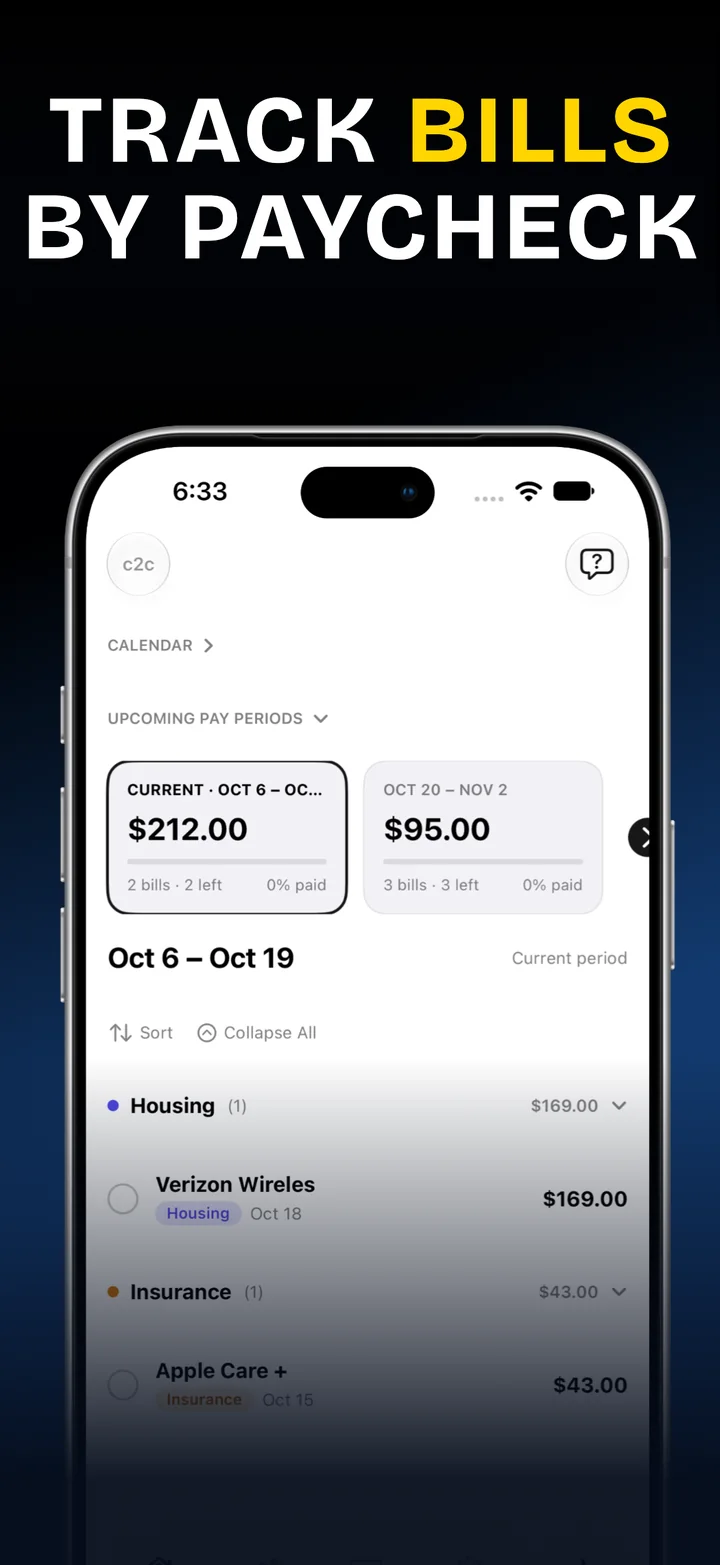
c2c - Check 2 Check tracks every bill against your actual pay periods — what's due, what's paid, and what's left before your next check lands. Entered by you, seen by no one else.
Now available on iPhone, iPad and Apple Watch. Mac coming soon. Leave your email below and we'll let you know when each one lands.
Not a spreadsheet. Not a bank feed. A ledger built around the one calendar that actually matters — the one between your paychecks.
Weekly, biweekly, semimonthly, or your own custom schedule — bills group themselves into the period they're actually due in, not just a flat monthly list.
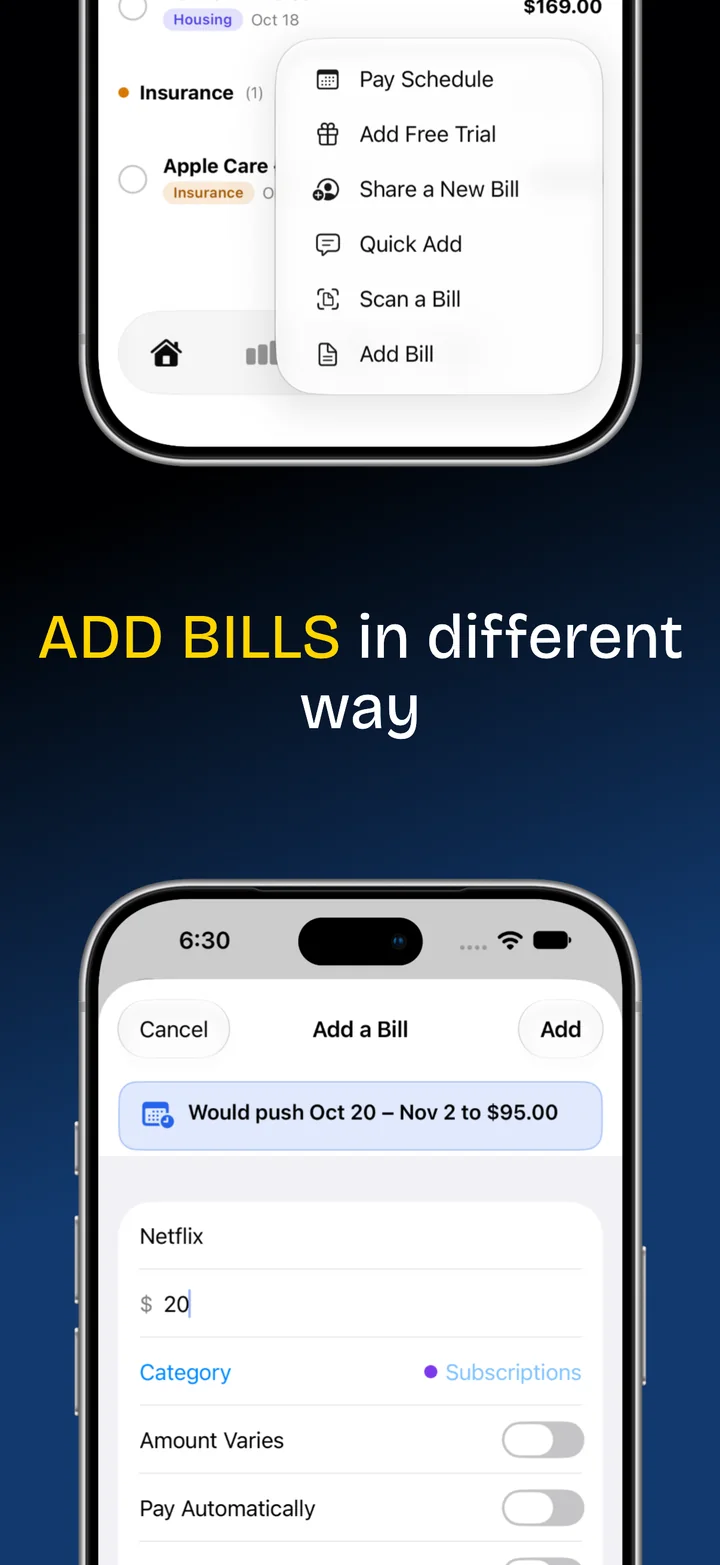
Add a trial once. It quietly becomes a real bill the moment it converts, with a reminder before it ever charges you.
Add a loan or credit card with its balance, rate, and payment, and watch each payment chip away at the total until it hits zero. Loans and cards wear a small tag so they never get mistaken for ordinary bills, and the final payoff date is optional.
Scheduled a loan or card payment with your bank? Swipe to mark it, and it settles on the bank's business day like auto-pay. Card balance or limit changed? Press and hold to update it in seconds.
Add your accounts, then pick which one each bill comes out of and where each paycheck lands. A small tag on every bill shows it at a glance, and you can hide it any time. Labels only: nothing ever connects to your bank.
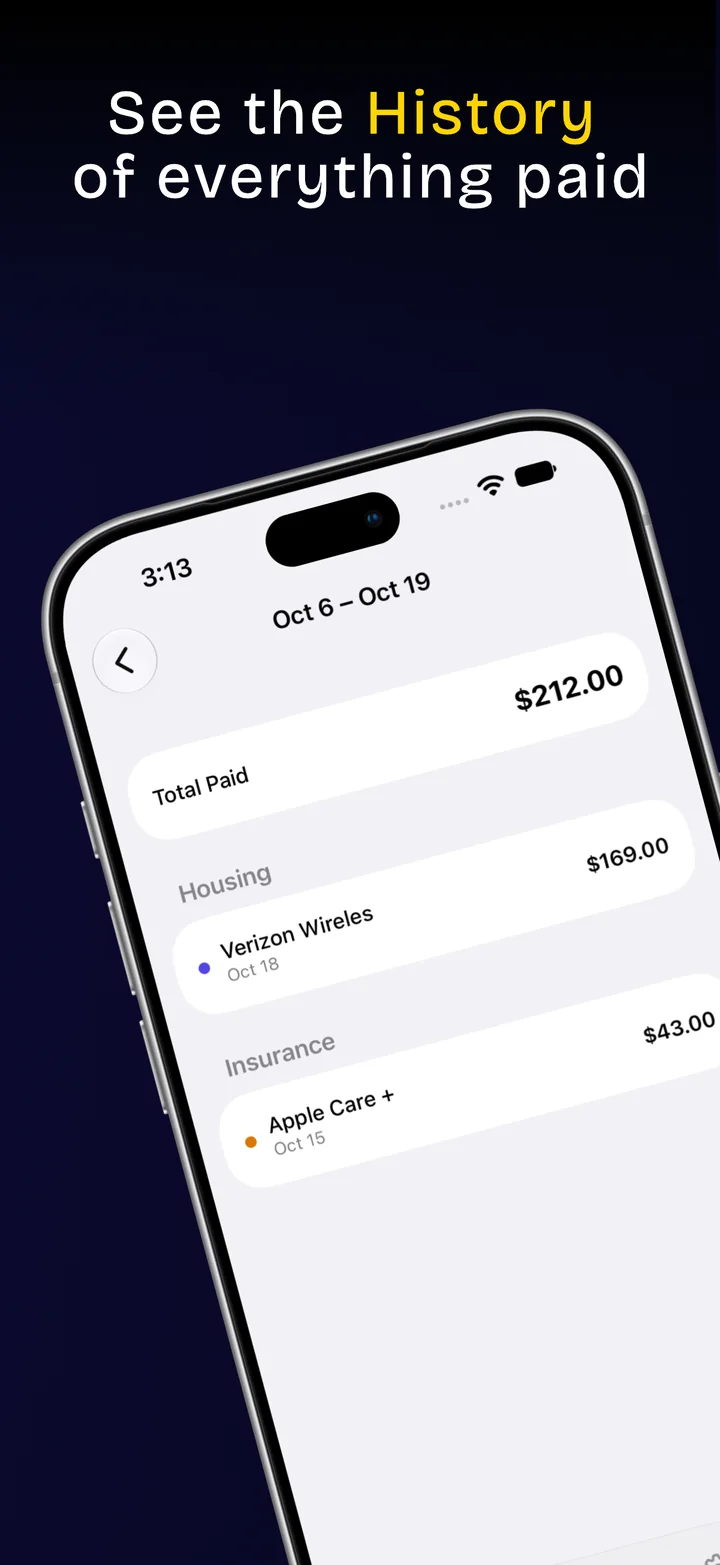
Flip History into a pie chart by category or by bill, step through any pay period, month, or year, and tap a slice to see exactly which bills are inside it.
Keep a bill on your ledger without it counting toward what you owe, for one pay period or for good. Handy for money someone else covers or bills you're only tracking.
For the ones that draft automatically, stop tapping "paid" yourself — set the time, and the ledger settles it before you even open the app.
A widget that shows exactly what's still owed this period — and a second one just for what you've already handled.
Ask Siri what's due next, add a bill without opening the app, or mark one paid by name — and find any bill instantly from Spotlight search.
Use the built-in categories, make your own, or skip categories entirely and organize with flexible tags instead — your ledger, your system.
Split rent, a subscription, or a whole set of bills with someone else — select several at once and share them together, and see right on the ledger who shared what with you.
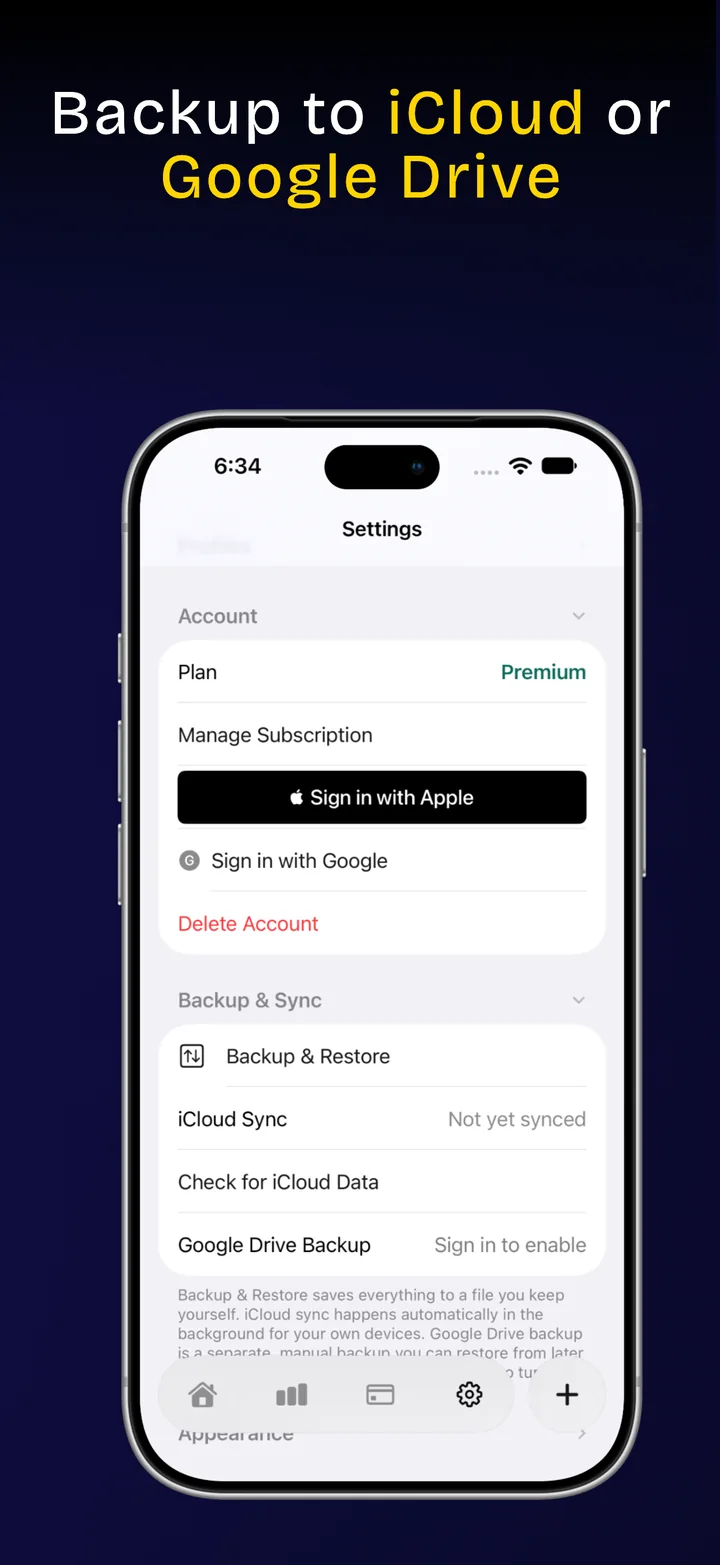
Everything syncs automatically through iCloud. Want a second copy somewhere else? Back up and restore from Google Drive too, any time you want.
Keep a personal ledger and a shared household one side by side, each with its own bills, categories, and settings — switch between them in a tap.
Track up to 5 bills at no cost, forever. Need more room, or want full control over how the app looks? Premium unlocks unlimited bills and complete appearance customization.
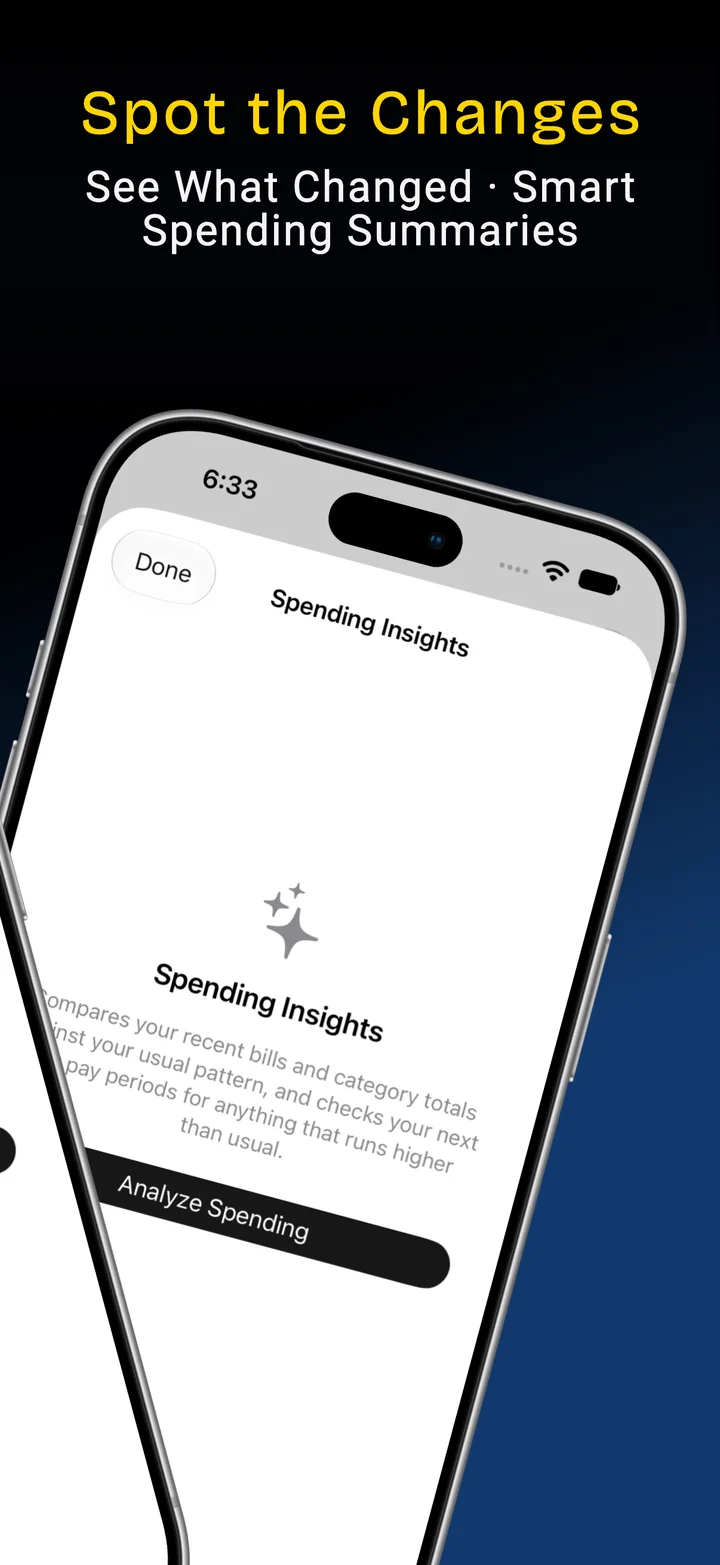
Not a chatbot bolted on for the sake of it — four specific things it does with your bills, only when you turn it on.
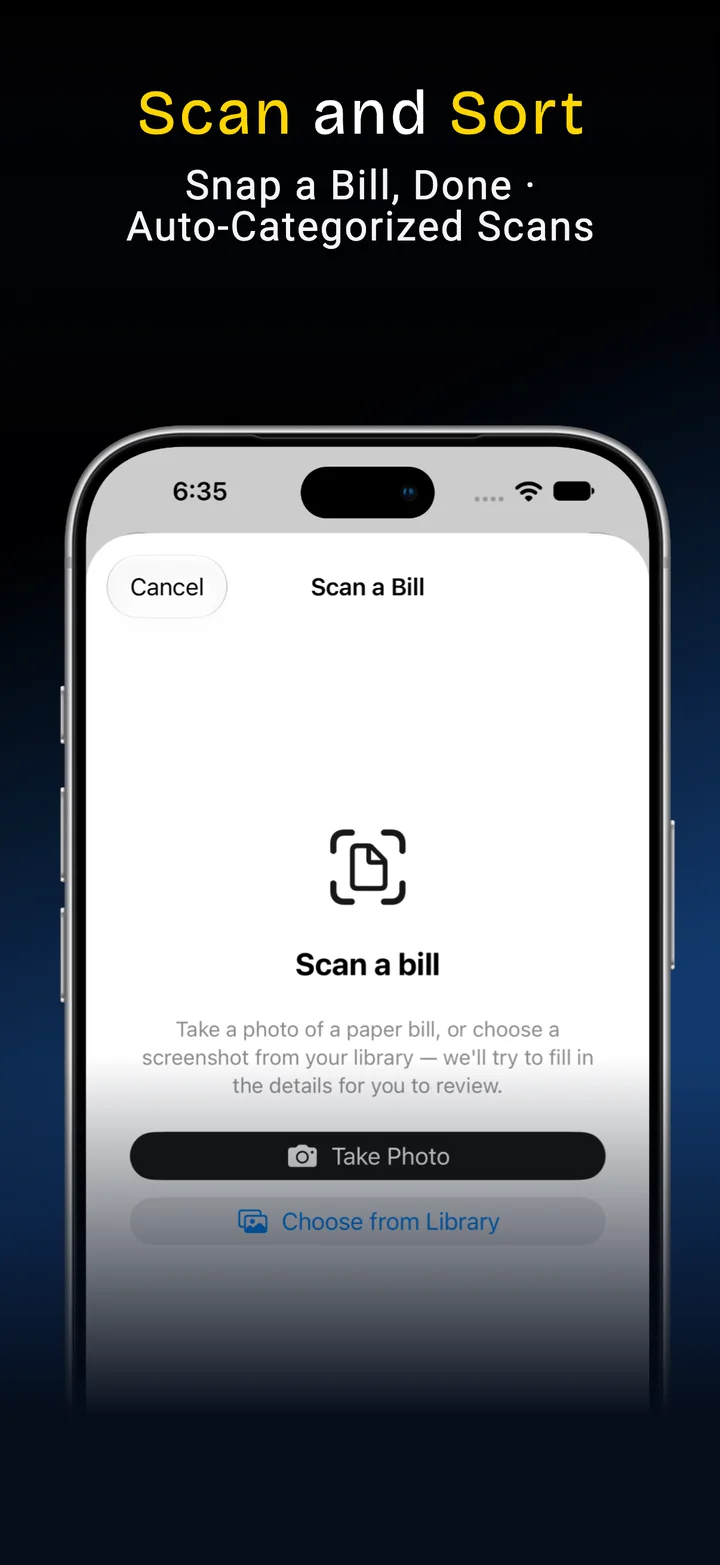
Snap a photo or pick a screenshot and on-device text recognition pulls out the name, amount, and due date for you to confirm — no AI provider required, nothing ever leaves your phone.
"Netflix $15.99 monthly, due the 15th" — describe it in your own words and review the draft before it becomes a real bill.
Scan a bill and it suggests the most likely category from the biller name — always a suggestion on the review screen, never a silent decision.
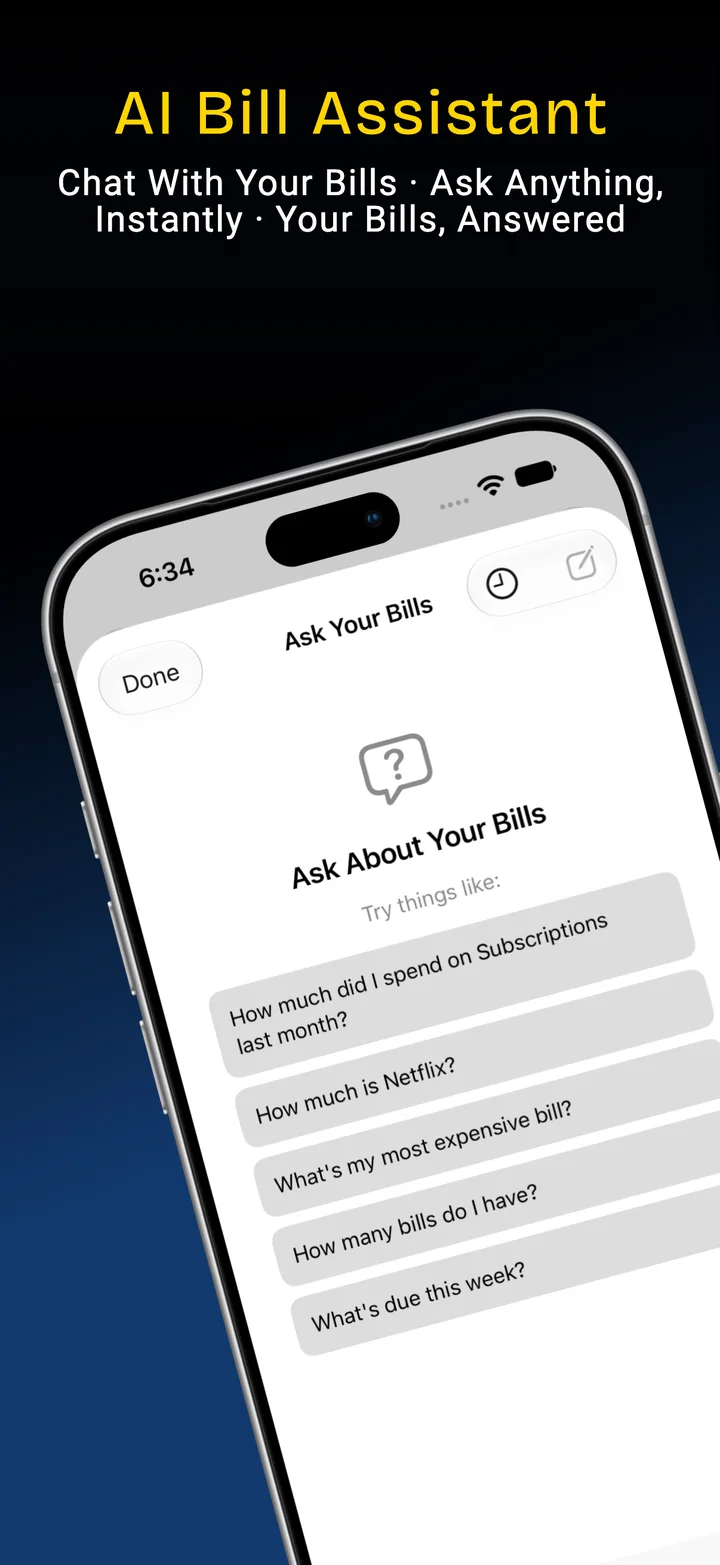
"How much am I spending on subscriptions?" The AI only figures out what you're asking — every number in the answer is computed by the app itself, never by the model.
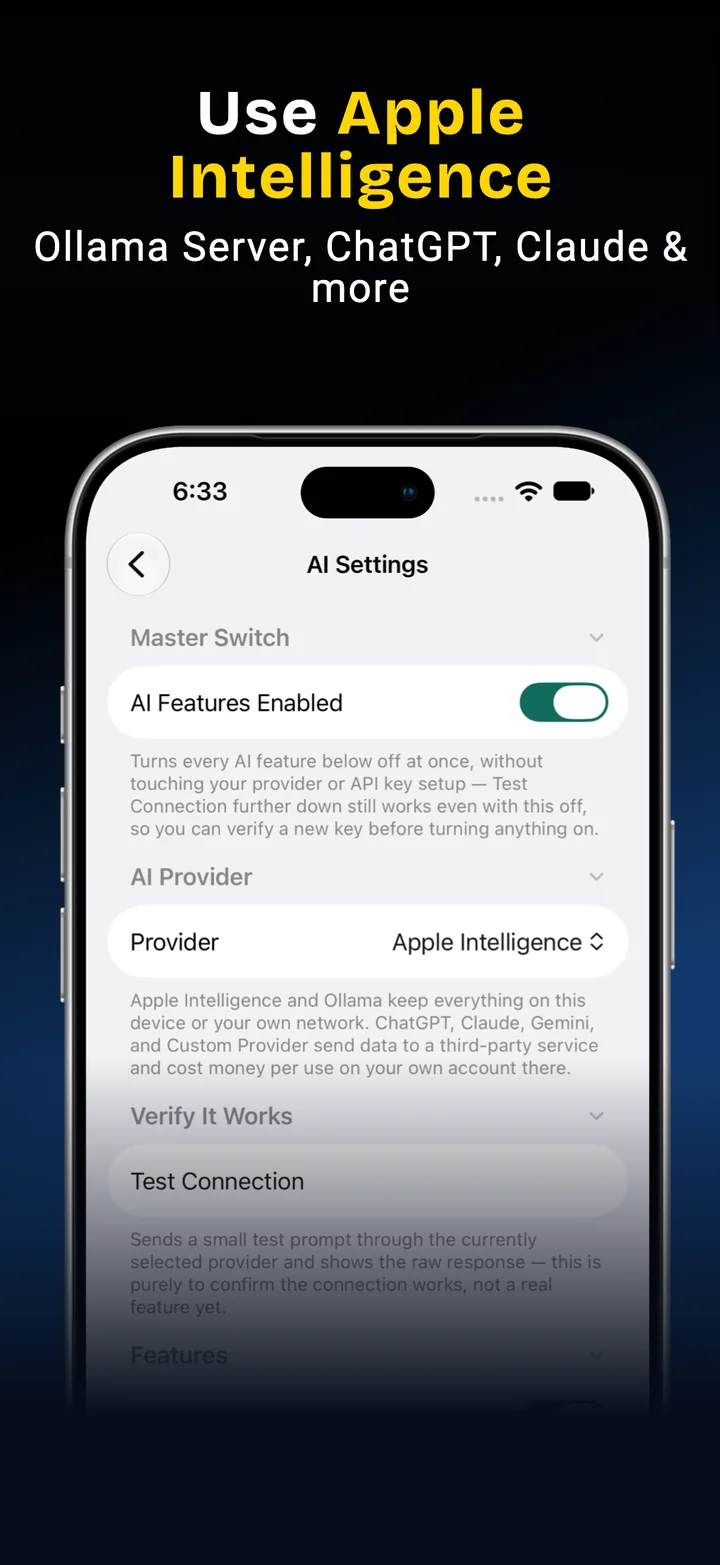
Your choice of providerApple Intelligence or a local model on your own machine, or bring your own key for ChatGPT, Claude, or Gemini. Off by default, keys stored in your device's Keychain, and every cloud provider asks first before anything leaves your device.
Real screens from the app, tracking every bill against your actual paycheck.
Every bill here is typed in by you. On purpose. That's not a missing feature — it's the whole point.
No linked accountsYour banking credentials are never entered into this app, and never shared with anyone else's servers either.
No data broker in the loopNo third-party financial aggregator sees your transactions to make any of this work.
Works for anythingCash bills, informal arrangements, a friend paying you back — if a bank feed wouldn't catch it, your ledger still can.
Free to start. Premium has a 2-week free trial.
Download on the App StoreWant to hear about the Mac and Android versions? Email us.